Building games with AI
Insights, tutorials, and updates on AI-powered game development
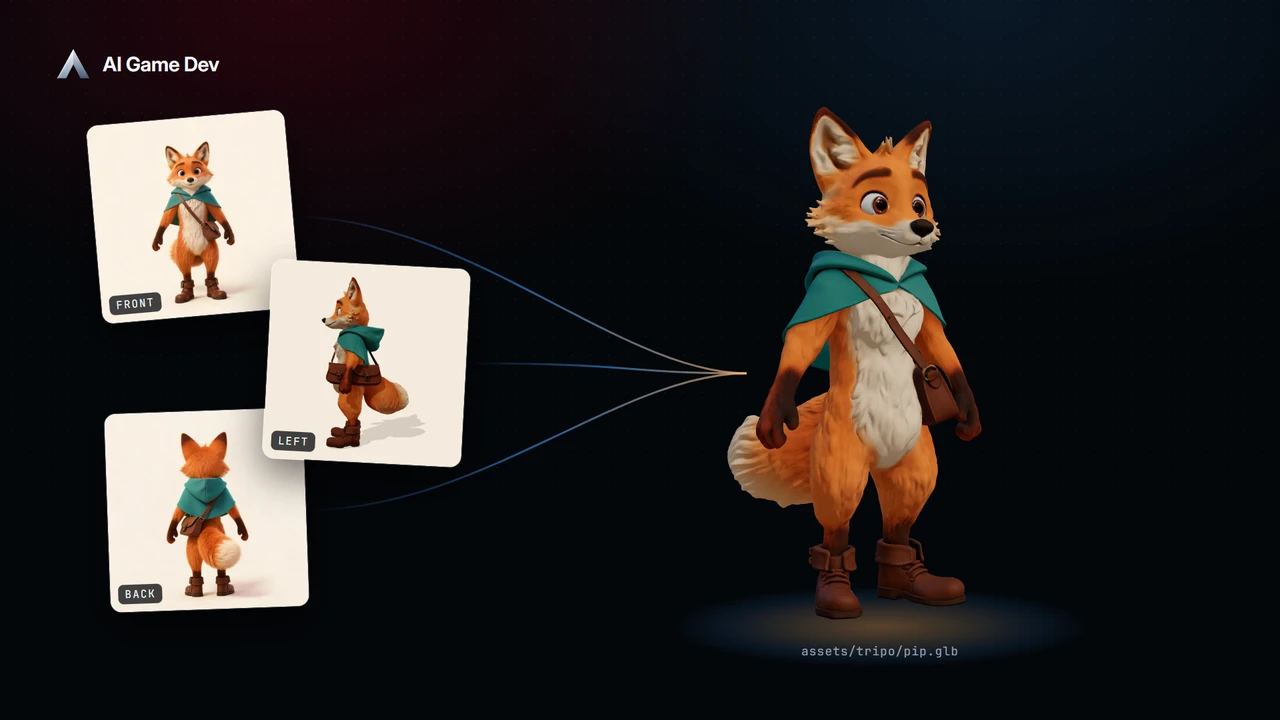
From Reference Images to a Game-Ready 3D Model — Tripo AI Inside AI Game Developer
Turn two to four reference views into one 3D model with Tripo in AI Game Developer, then texture, clean up, rig and animate it from the same chat.
Read the postMore posts
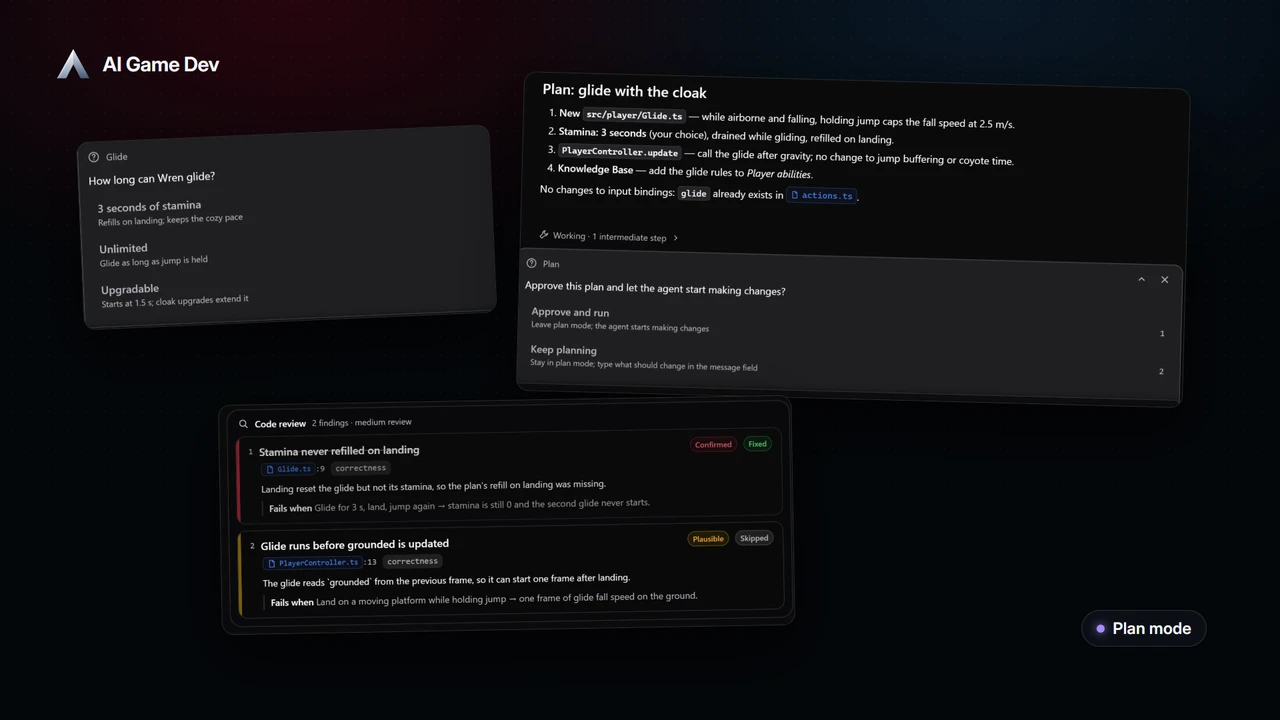
Plan First, Then Change — Plan Mode for AI Agents in Game Development
Use plan mode, clarifying questions, a message queue and code-review cards in AI Game Developer to stay in control of an AI agent on large game tasks.
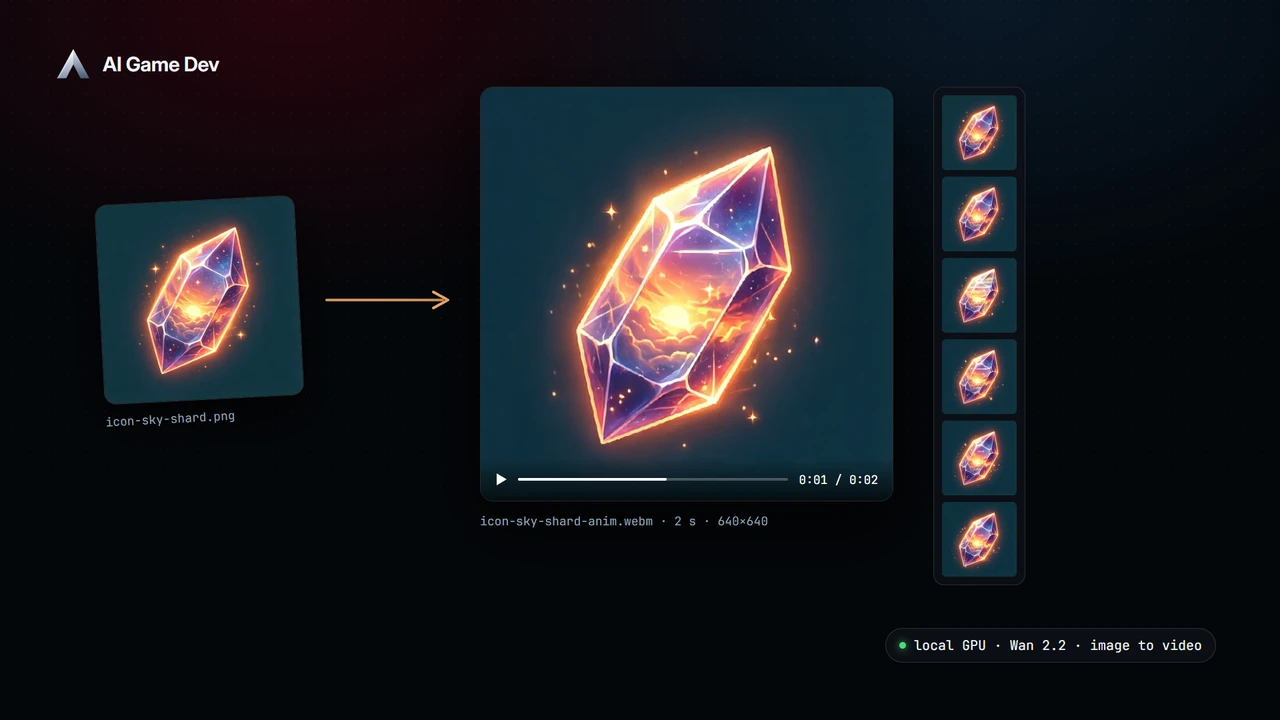
Local AI Video Generation on Your GPU — Short Clips for Games with LTX-2.5 and Wan 2.2
Generate short video clips locally with LTX-2.5 and Wan 2.2 in AI Game Developer, from text or a start image, and learn what your GPU can realistically do.
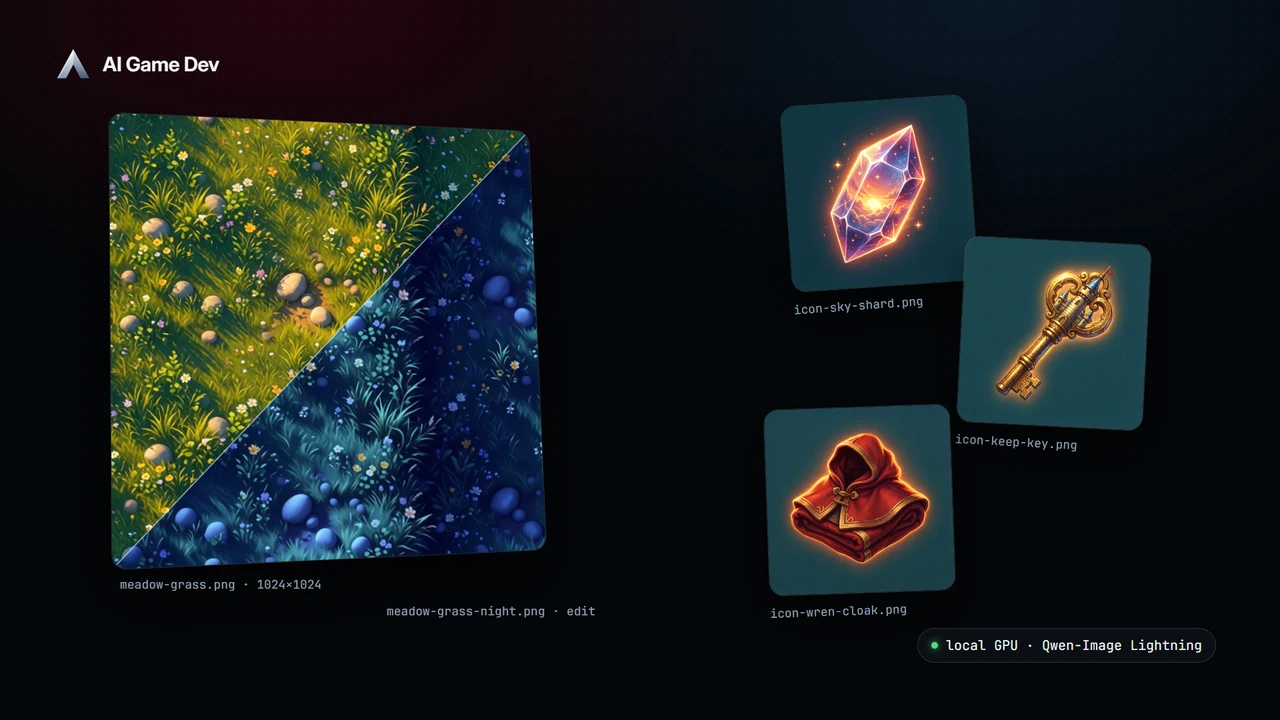
Local AI Image Generation for Games — Textures and Icons on Your Own GPU
Generate and edit game textures and icons on your own GPU with AI Game Developer, in your project's art style, saved straight into the project.
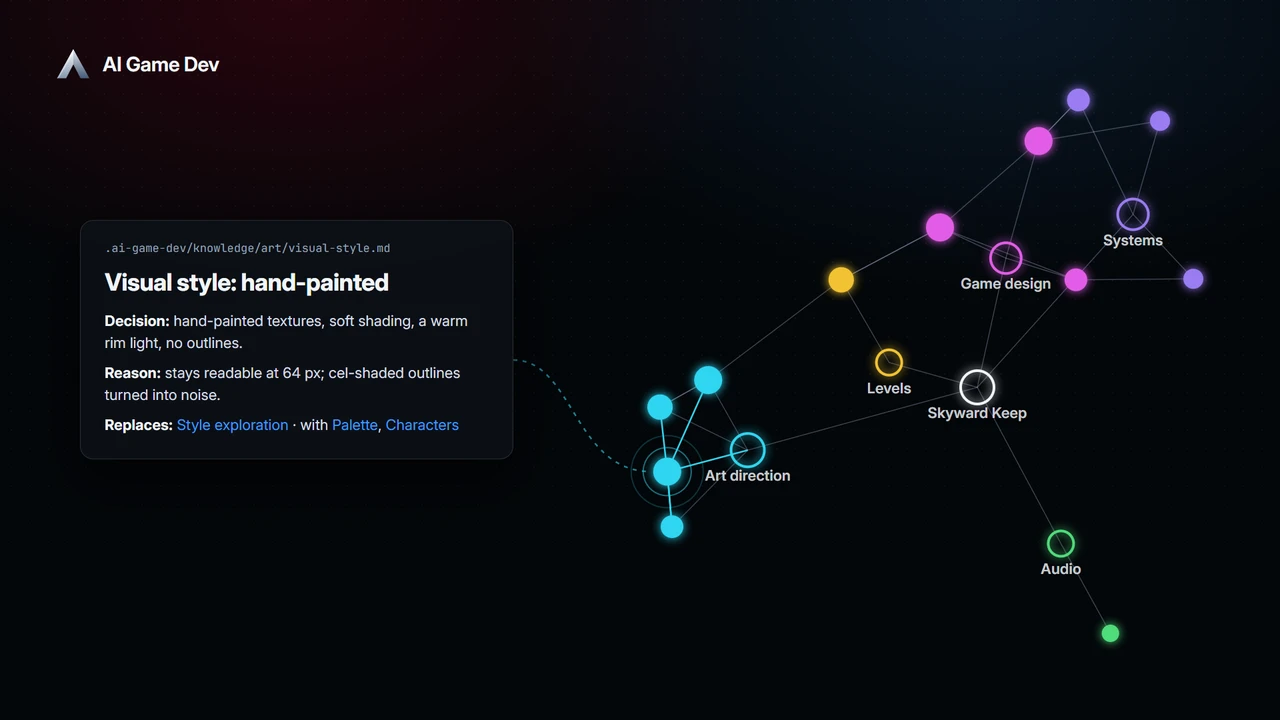
A Knowledge Base for Your Game Project — Memory the AI Keeps Between Chats
Keep game design decisions, rules and docs in a Knowledge Base the AI agent reads and updates, committed to Git with your project and shown as a 3D graph.
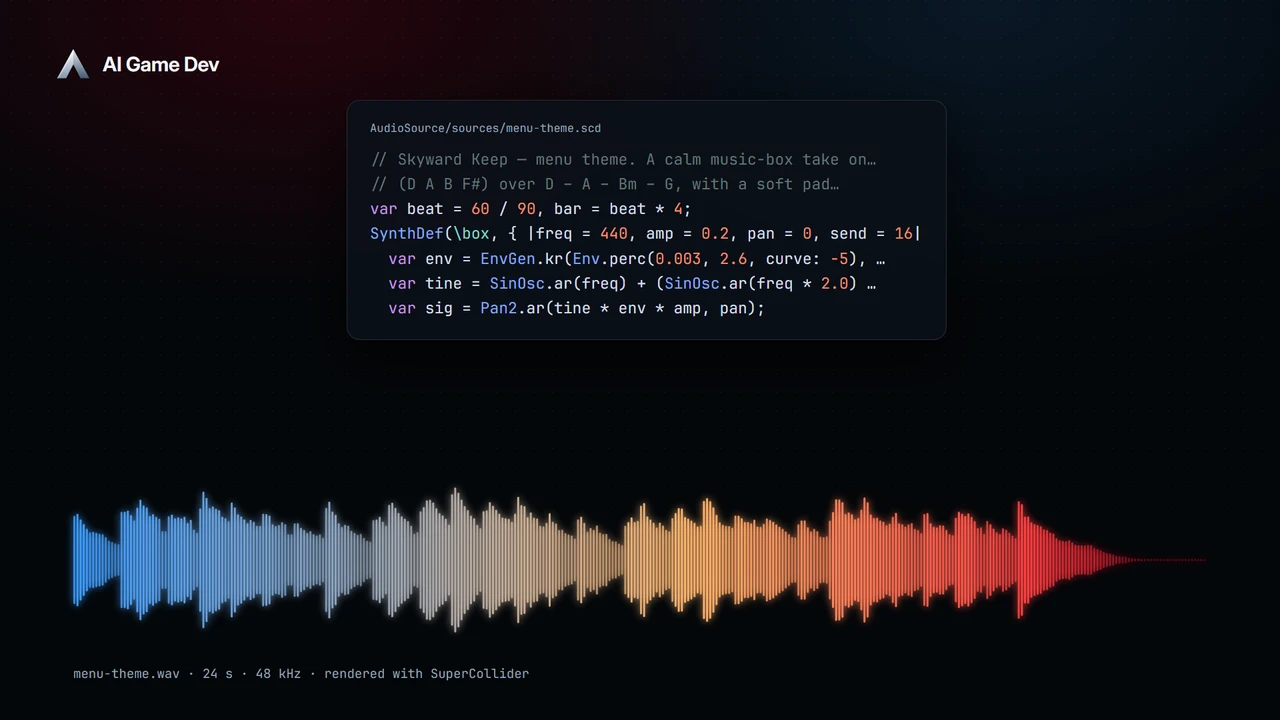
Compose Game Music with AI — SuperCollider Inside AI Game Developer
Compose game music and sound effects with AI in SuperCollider, from a menu theme to loopable stems, then export WAV files straight into Unity, Godot or Unreal.
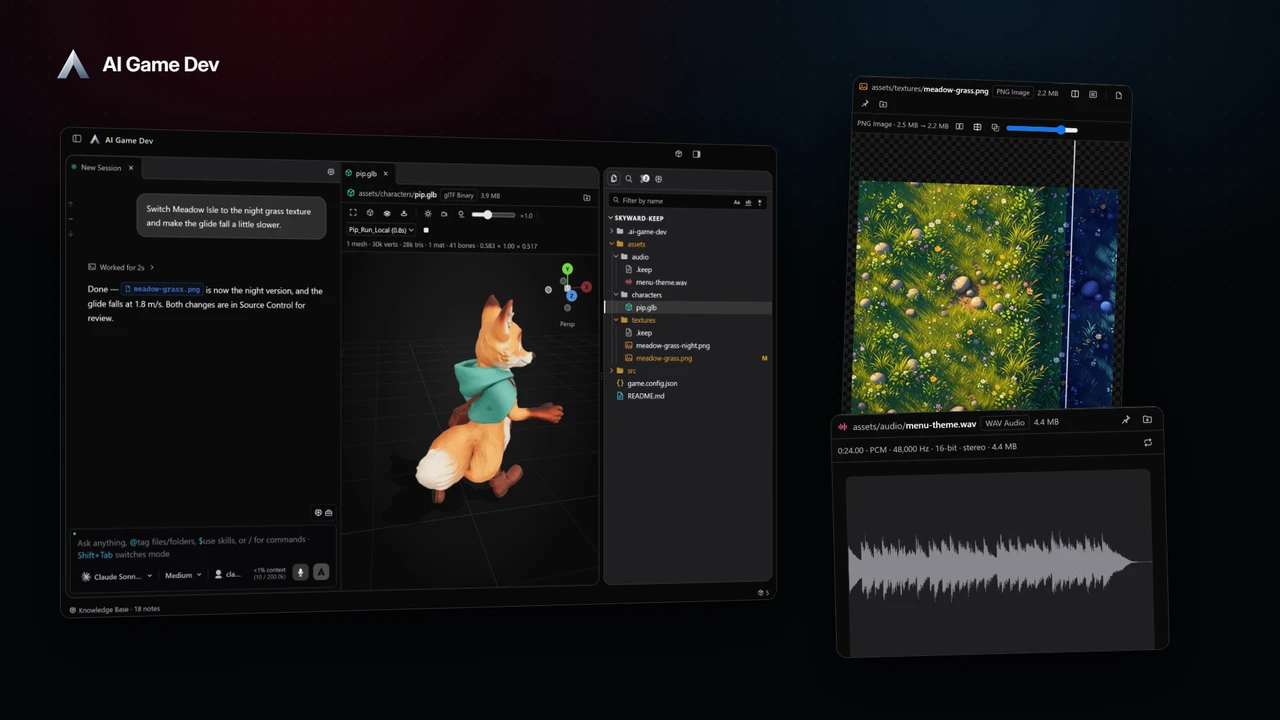
A Game Dev Workspace for AI — Chats, 3D Models, Textures and Git in One Window
Run AI sessions side by side, preview 3D models, textures and audio next to the chat, and review every change in Git, in one AI Game Developer window.
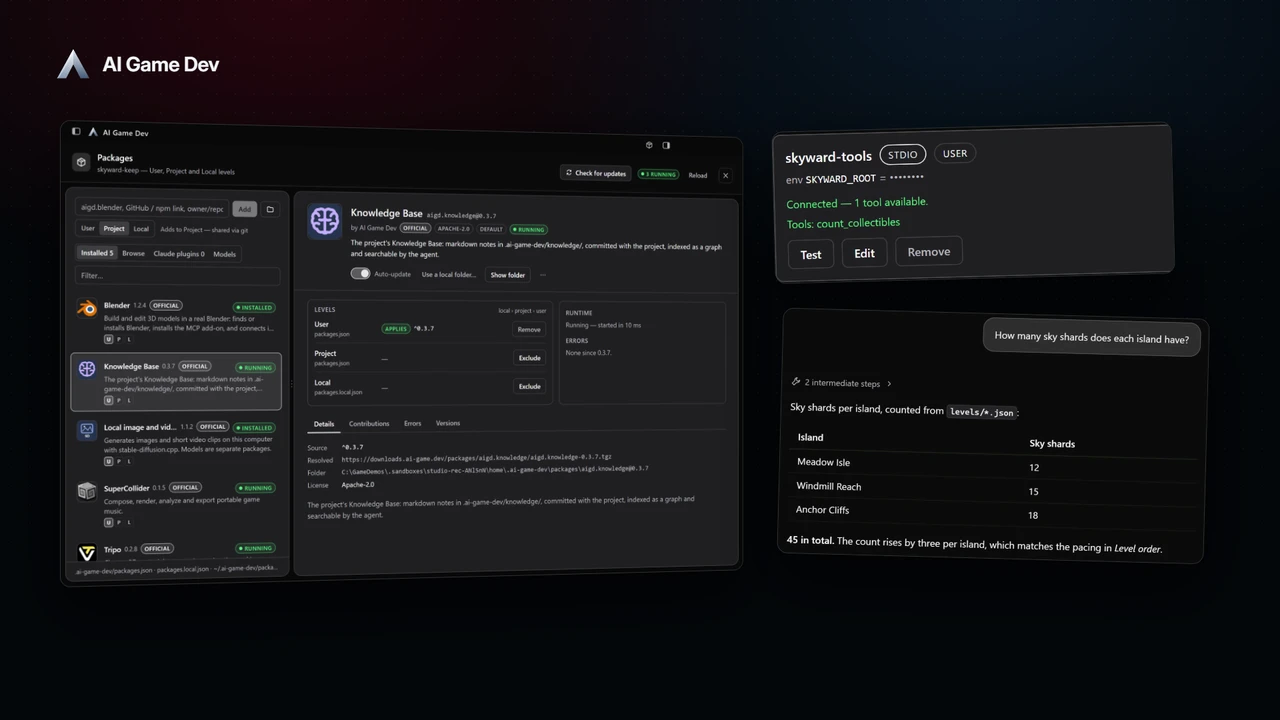
Packages, Claude Plugins and MCP Servers — Build the Right AI Toolset for Each Task
Add packages, Claude plugins and MCP servers to AI Game Developer, choose tools per session, and apply new tools to an open chat without restarting it.
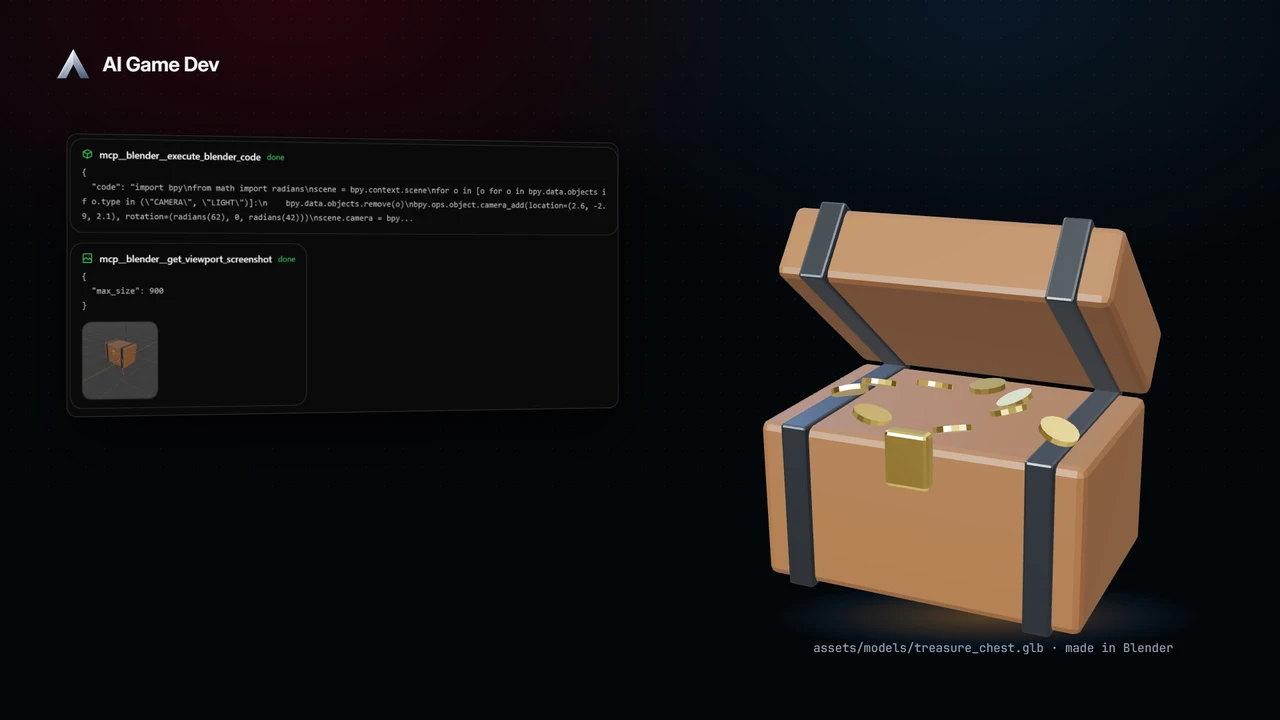
AI in Blender — Build and Edit 3D Game Assets from Chat
Connect Blender to AI Game Developer with one command and let the agent build and edit 3D game assets in a real Blender, step by step, from chat.
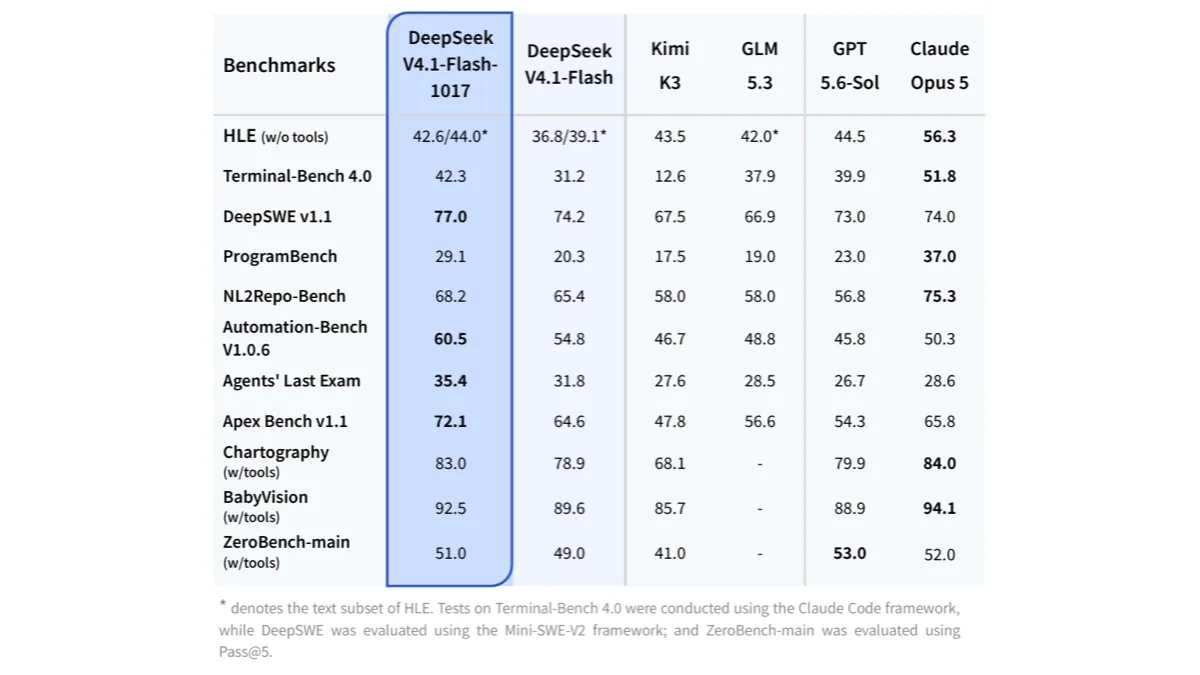
DeepSeek V4.1 Flash (1017) Comes to AI Game Developer on October 19
DeepSeek V4.1 Flash 1017 arrives in AI Game Developer on October 19, 2026: big gains on coding and agent benchmarks, 1M context and image input.
How to Make Games with Claude Code and Unity Engine
Get Claude Code working with Unity in under 2 minutes. Install AI Game Developer, authorize, enable skills, and start creating game objects with AI.
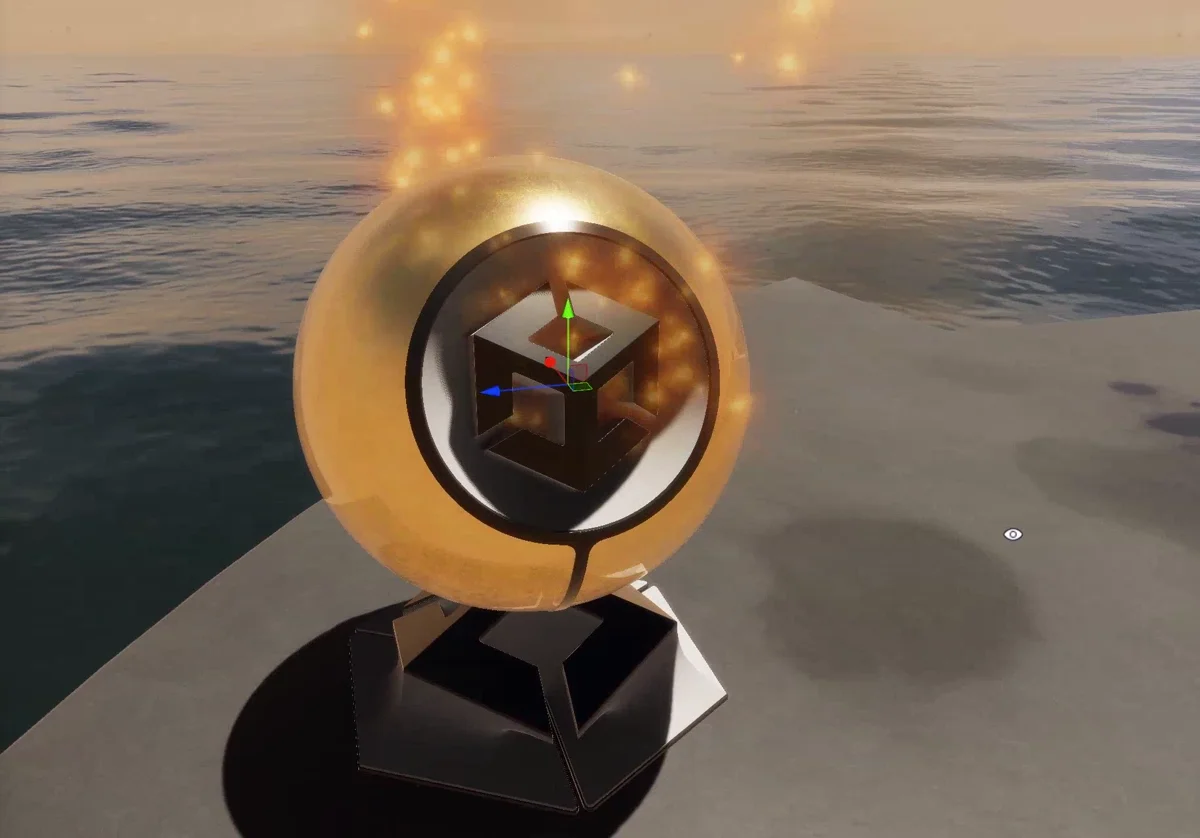
AI-Powered Particle Systems in Unity: The ParticleSystem Extension
Let AI agents read and modify all 24 ParticleSystem modules in Unity. Create fire, smoke, magic effects and more with natural language prompts.
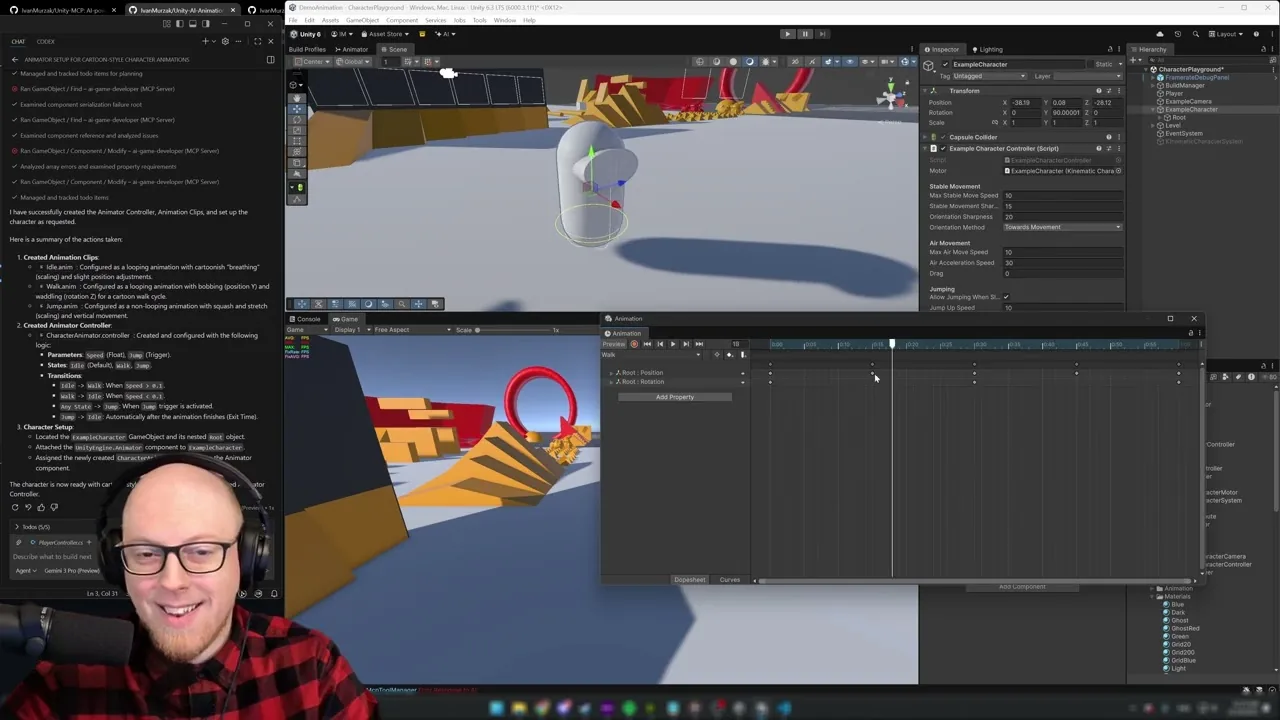
Generating Unity Animations with AI in Under a Minute
Use AI to generate an animation controller with Idle, Walk, and Jump animations directly inside Unity — no manual keyframing required.
Build a Game with AI in Unity — Claude Code + MCP Plugin (Full Walkthrough)
Build a complete Unity game from an empty folder using Claude Code and AI Game Developer — physics, materials, animations, and particles, no manual coding.
How to Use Claude Code with Unity Engine
Connect Claude Code to Unity Engine using AI Game Developer. Step-by-step: installation, configuration, and your first AI-powered scene inspection.